
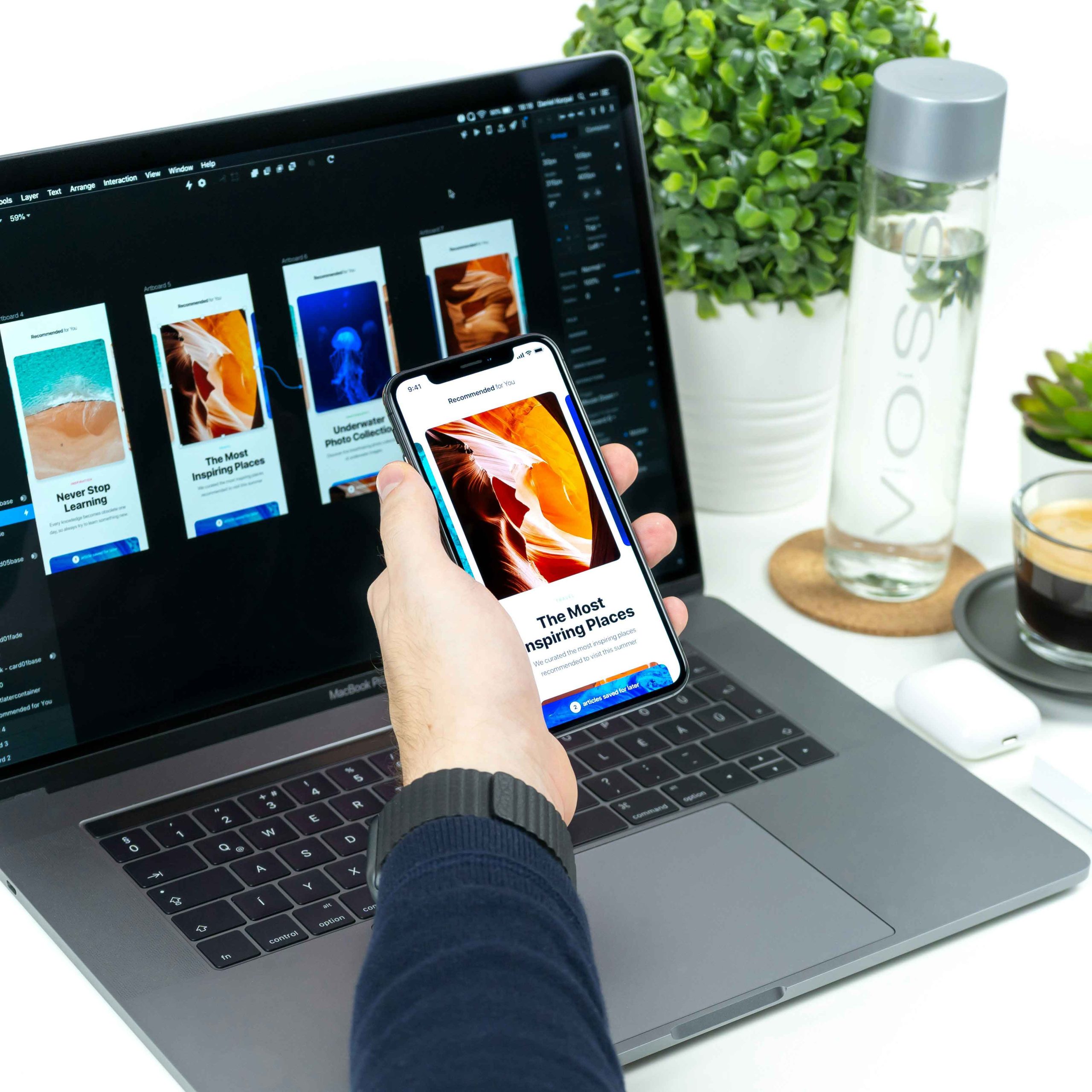
You’ve redesigned your website. It looks stunning, and to you, it seems functional enough! Yet visitors still leave without buying, booking, or signing up.
Sound familiar? The problem might not be how your site looks. It might be how it works ( the true functionality).
Let’s break down UX and UI in plain language, and figure out which one is actually moving the needle on your conversions.
UX vs. UI: The Quick Difference
| UI (User Interface) | UX (User Experience) |
| UI represents the visual elements—colors, typography, buttons, graphics, and layout structure.
|
UX defines the overall experience—how effortlessly users navigate, accomplish goals, and build confidence in your brand |
Think of a restaurant. The decor, menu design, and plating are the UI. The wait time, how easily you can order, and whether the food arrives hot are the UX.
A beautiful restaurant with terrible service won’t get repeat customers. The same goes for websites.
So, Which One Drives Conversions?
Here’s the honest answer: UX does most of the heavy lifting, but UI gets people through the door.
- UI builds first impressions (visitors judge a site in seconds).
- UX decides whether visitors stay, trust you, and take action.
A polished design that confuses people will lose sales. A simple, clear design that guides people smoothly will win them. The best results come when both work together.
How Does UX Design Affect Conversion Rates?
If you’ve ever wondered how does UX design affect conversion rates, think of it this way: every point of friction is a reason for someone to leave.
Good UX removes those obstacles. Here’s how it plays out:
- Faster pages: Slow sites lose visitors before they see your offer.
- Clear navigation: When people find what they need quickly, they’re more likely to buy.
- Simple forms: Fewer fields mean more completed submissions.
- Visible calls to action: People act when they know exactly what to do next.
- Trust signals: Reviews, secure checkout badges, and clear policies reduce hesitation.
Even small improvements, like shortening a checkout form, can noticeably lift conversions. That’s why UX is often called the most cost-effective growth lever on a website.
Where UI Still Matters
Don’t write off UI. It plays a real role in conversions:
- Visual hierarchy: Larger, high-contrast buttons draw the eye to key actions.
- Consistency: Matching colors and fonts make your brand feel professional and credible.
- Readability: Clean typography keeps people reading.
- Mobile design: Tap-friendly buttons and responsive layouts prevent frustration.
Good UI makes good UX visible. Without it, even a smart experience can feel unpolished.
Website UX 08 Best Practices That Boost Results
Ready to improve your site? These website UX best practices are a solid starting point:
- Understand your audience: Investigate visitor expectations and needs prior to launching any design work.
- Optimize page speed: Enhance performance by compressing image files and removing redundant scripts.
- Focus on mobile usability: Since mobile devices drive the majority of traffic, prioritize designing for smaller screens first.
- Streamline navigation: Keep menus straightforward and limit them to a few primary categories.
- Create easily scannable text: Structure copy with bullet points, brief paragraphs, and clear subheadings.
- Minimize form steps: Reduce user effort by requesting only essential information.
- Highlight calls to action: Incorporate direct, action-driven phrases such as “Get My Quote” rather than generic terms like “Submit.”
- Evaluate and adjust continually: Analyze performance using session replays, heatmaps, and A/B testing to refine user experience.
UX Design for Conversions: A Simple Framework
Effective UX design for conversions follows a clear path. Use this checklist on your key pages:
- Clarity: Can a first-time visitor understand what you offer in five seconds?
- Relevance: Does the page match what the visitor expected when they clicked?
- Trust: Are there reviews, testimonials, or guarantees nearby?
- Ease: Can they complete the main action in as few steps as possible?
- Momentum: Does every section lead naturally to the next step?
If any answer is “no,” you’ve found a conversion leak worth fixing.
5 Major Signs Your UX Needs Attention
Not sure whether UX is holding you back? Watch for these red flags:
- High bounce rates on landing pages
- Lots of visitors adding to cart but not checking out
- Users abandoning forms halfway
- Low mobile conversion compared to desktop
- Customer complaints about confusing steps
If you spot two or more, a UX audit is a smart next move.
Why Local Expertise Helps: UI and UX Service in Dubai
Dubai’s digital market is fast-moving and highly competitive. Audiences are multicultural, mobile-first, and expect seamless experiences, often in both English and Arabic.
That’s why many businesses look for a UI and UX service in Dubai that understands local behavior, right-to-left layouts, regional payment preferences, and cultural nuances. A team familiar with the market can design experiences that feel natural to your customers, not just visually appealing.
When choosing a partner, look for:
- A portfolio showing measurable results, not just pretty designs
- A research-driven process
- Experience with bilingual and mobile-first websites
- Clear communication and ongoing support
The Bottom Line
So, UX or UI? Here’s the simple takeaway:
- UI attracts. It creates the first impression.
- UX converts. It guides visitors to take action.
- Together, they win. Great design needs both beauty and usability.
If you have to prioritize, start with UX. Fix friction, simplify the journey, and then polish the visuals to match.
If managing this independently feels overwhelming, reach out to explore our tailored services. Schedule a complimentary consultation with our experts at www.pointblancmedia.com.


 info@pointblancmedia.com